

A cart drawer that sells.
Branded cart drawer with upsells, a free shipping bar, free gifts and A/B tests. No code needed.
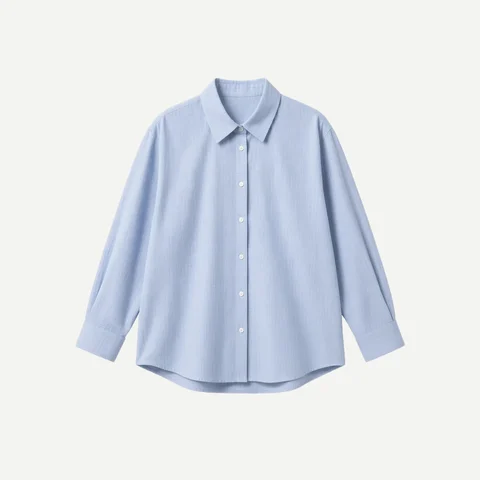 Save $12
The drawer is the real Adoric Cart. Add the product to open it.
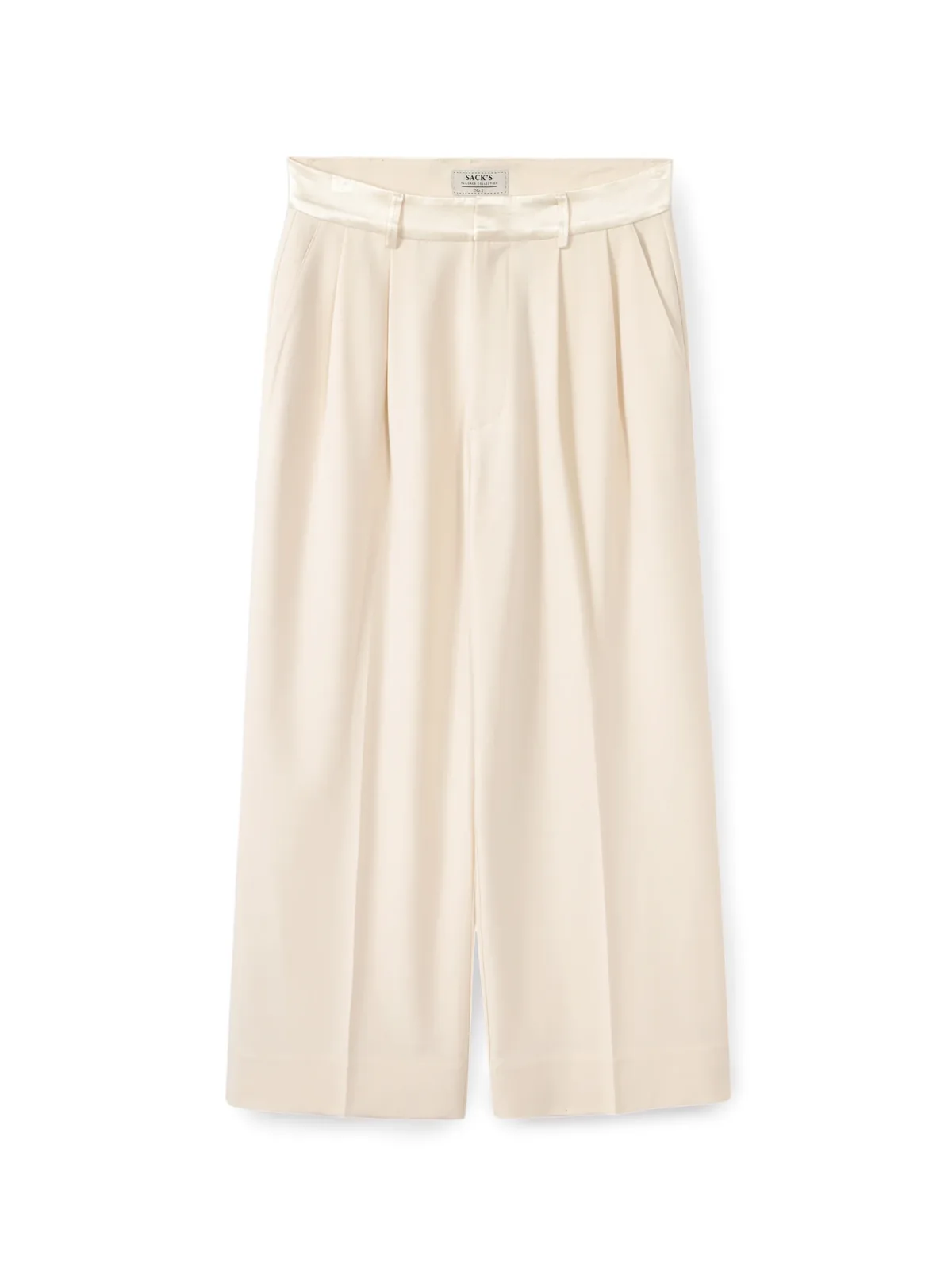
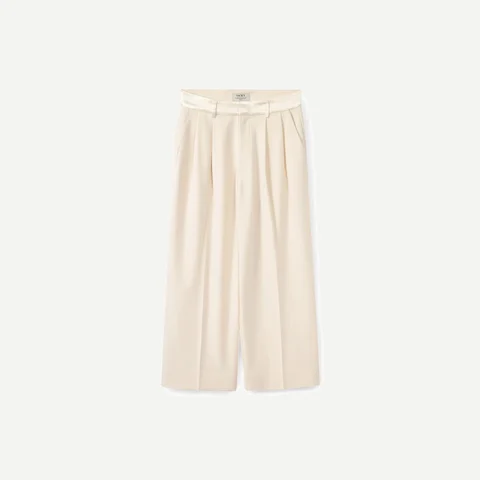 Linen trousers
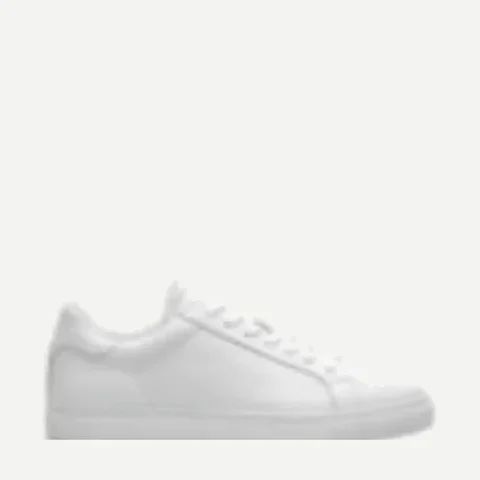 Everyday sneaker
 Travel tote
Test two carts. Keep the one that sells more.
Run two versions of your cart drawer side by side, with an even or custom traffic split. AOV analytics show which one wins, then you keep the winner.
- Even or custom splitSend 50/50, or any split you choose.
- Measured on AOVBuilt-in analytics per version.
- One click to keepEnd the test and keep the winner.
A cart drawer that does the selling.
Adoric Cart is a free Shopify cart drawer app with in-cart upsells, a rewards bar and A/B tests.
Free shipping and gifts, one step closer
Set a cart value for each reward. The bar fills as the cart grows and tells shoppers exactly how far they are from free shipping, a discount or a free gift.
Upsells shoppers add in one tap
Suggestions sit inside the drawer, picked by AI or by you. One tap adds the item, the subtotal updates and the shopper never leaves the cart.
Discounts, notes and terms
A discount field, order notes and a terms checkbox, right in the drawer, so nothing sends shoppers away before checkout.
Works with
Every block in the drawer.
Turn on what you need, in any order. Each block is edited without code, on desktop and mobile.
Rewards
- Rewards progress barMilestones that fill as the cart grows.
- Free shipping goalShows how far shoppers are from free shipping.
- Free giftsAdded automatically once the cart crosses your line.
- Tiered and volume discountsBigger carts, bigger savings.
- Automatic discountsApplied for the shopper, no code to type.
Upsells
- In-cart upsellsOne-tap Add buttons inside the drawer.
- AI recommendationsPicks what fits the cart, per shopper.
- Manual picksChoose the exact products to suggest.
- Volume offersBuy more, save more, right in the cart.
In the drawer
- Announcement barSales, shipping cut-offs, news.
- Countdown timerReserve the cart or time a sale.
- Trust badges30-day money-back guarantee and more.
- Discount code fieldApply a code without leaving the cart.
- Order notesGift messages and delivery notes.
-
Terms checkboxAgree before checkout.
- Shipping protectionOptional protection at checkout.
- Express checkout buttonsFaster pay, straight from the drawer.
- Sticky cartAlways one tap away.
Control
- No-code editorEvery section, every word.
- Custom CSS and HTMLFor pixel-exact brand work.
- Translations and MarketsPreview the cart for each Shopify Market.
- Customer-tag targetingShow widgets by customer tag.
- A/B testingTest cart versions, keep the winner.
- AOV analyticsSee what the cart adds to each order.
The last thing they see is a reason to buy.
Put your guarantees right above the Checkout button: a 30-day money-back guarantee, secure checkout, shipping and returns. Your badges, your words, styled like your store.
Upload any cart. Get yours back, smarter.
Drop in a screenshot of your current cart, or any cart you love. In about a minute, Adoric AI turns it into a working cart drawer in your store, styled to match, with rewards and upsells switched on. Nothing goes live until you publish.
Merchants who switched carts.
5.0 on the Shopify App Store
A very good cart app, easy to use with a/b test and plenty of customization options, the cart personalization based on tags is very interesting
We've been using this app for our Shopify stores and couldn't be happier. It works smoothly, was easy to set up, and does exactly what it promises. What really stands out is the service: the support team responded quickly, was professional and patient, and made sure everything worked perfectly. Highly recommend to any store owner!
A great cart drawer app by Adoric, and brilliant service by their team as always
Free to install. Free to use.
Billed through Shopify. Prices as listed on the Shopify App Store.
- Branded cart drawer
- In-cart upsells and AI recommendations
- Rewards progress bar
- A/B tests and analytics
Cart questions.
See pricing for every app, UpCart alternative, Rebuy Smart Cart alternative, or talk to us.
Is Adoric Cart free?
Yes. Adoric Cart is listed as Free on the Shopify App Store.
Does it replace my theme’s cart?
Yes. It replaces the default cart with a branded slide-out drawer that you edit without code, on desktop and mobile.
Can the cart show free shipping and free gift goals?
Yes. The rewards bar fills as the cart grows and unlocks free shipping, discounts or a free gift at the values you set.
Can I add trust badges, like a 30-day money-back guarantee?
Yes. Trust badges sit above the Checkout button with your own wording.
Can I A/B test my cart?
Yes. Test cart versions and track AOV in the built-in analytics.
What else is included?
In-cart upsells with AI picks, countdowns, discount field, order notes, terms, shipping protection, express checkout and translations. See all features.
How do I install it?
From the Shopify App Store listing at apps.shopify.com/adoric-cart. Set it up in your Shopify admin, with no code.
Better together.
Adoric Bundles
From $14.99/mo 4.9 out of 5 on the Shopify App StoreBundles, quantity breaks and Mix & Match to lift AOV.
Adoric Upsell
Free 5.0 out of 5 on the Shopify App StoreOne-click offers after checkout and on the thank-you page.
Adoric Popups
Free plan 4.9 out of 5 on the Shopify App StoreEmail, exit-intent and newsletter popups that grow your list.