
30 Black Friday Popup Templates, Grouped by When to Use Them
30 Black Friday popup examples grouped by BFCM phase: list building, launch announcements, countdowns and coupon codes, with timing and mobile rules for Black Friday 2026.

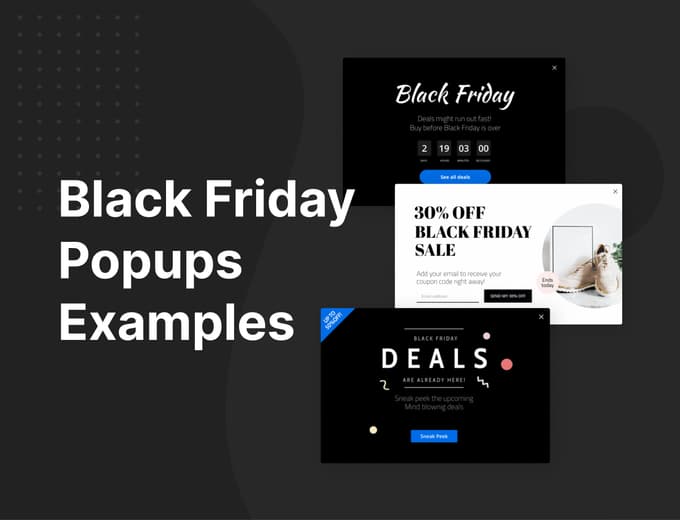
Short answer: Match the popup to the phase. In the two to three weeks before Black Friday (November 27, 2026), use popups that collect emails for early access. On the weekend, switch to short sale announcements that link to your deals. In the last hours of Black Friday and Cyber Monday (November 30), use countdowns timed to the real end of the sale. On mobile, keep popups small or delayed.
Below are 30 templates grouped by those phases, with a short note on when each one fits. Every one of them can be edited, so treat the designs as starting points.
Before you pick a design: four rules
- One popup per visitor at a time. Exclude people who have already subscribed, and don't stack an email popup on top of a sale popup.
- Be careful on mobile. Google can rank a page lower when an intrusive interstitial covers the content right after someone arrives from search. Use a smaller popup or a bar on phones, or show it after a scroll or a delay.
- Countdowns must be real. A timer that restarts for every visitor is misleading. Time it to the actual end of the sale.
- Check your codes combine. If a popup gives a code on top of a sitewide sale, test that the two discounts work together at checkout. See how discount stacking works on Shopify.
Before Black Friday: build the list (early to mid November)
These collect emails or announce that the sale is coming. Run them two to three weeks before Black Friday, so you have an audience on launch day instead of hoping for traffic.
1. 30% off for an email
The simplest list-building offer: a clear percentage, one email field, one button. Use it in early November so subscribers get the code when the sale opens.
2. Dark, high-contrast coupon form
High contrast works on light store themes. The headline does the work, so keep the form to one field.
3. Bold type, one field
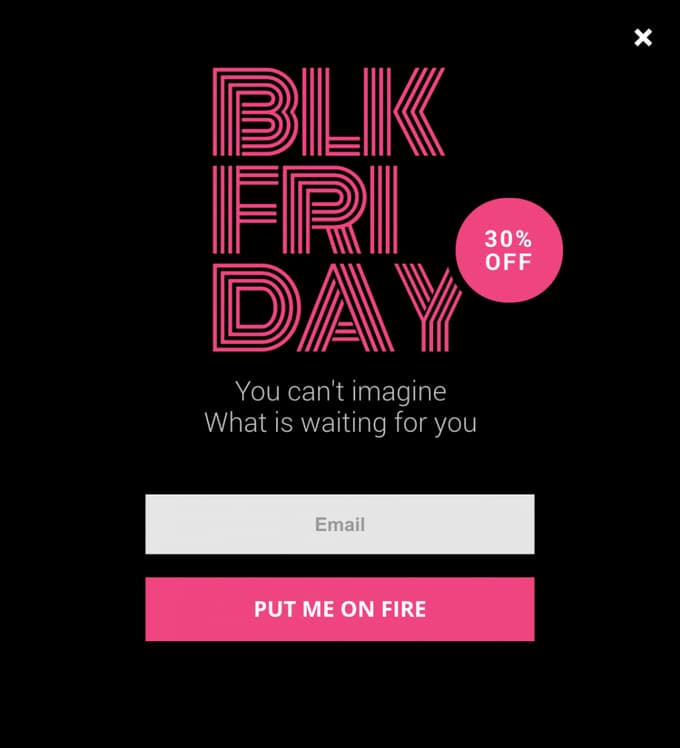
Big type and a single field. It's eye-catching without covering the whole page, which matters on mobile.
4. Gift coupon for subscribers
Frames the signup as a gift rather than a discount. It works well for brands that don't want to lead with a percentage.
5. 30% off with a fashion photo
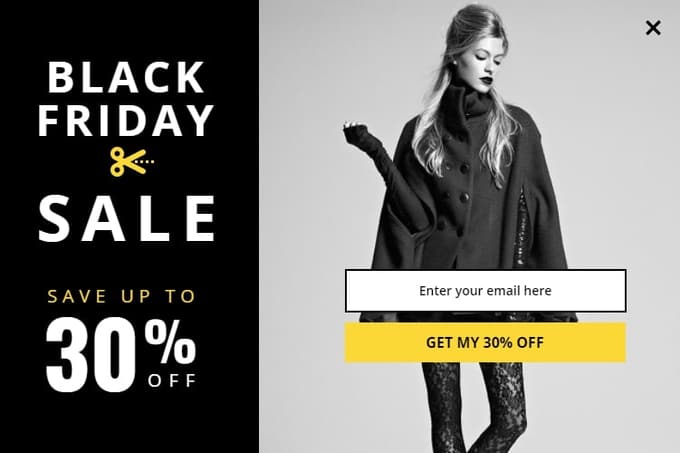
A strong photo plus the offer and a form. Swap in your own product photography.
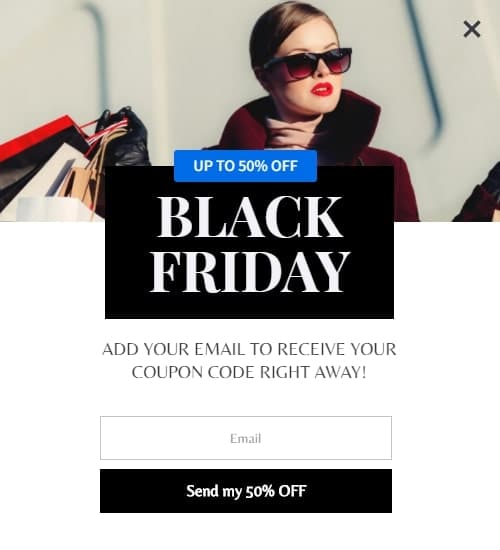
6. Up to 50% off, email first
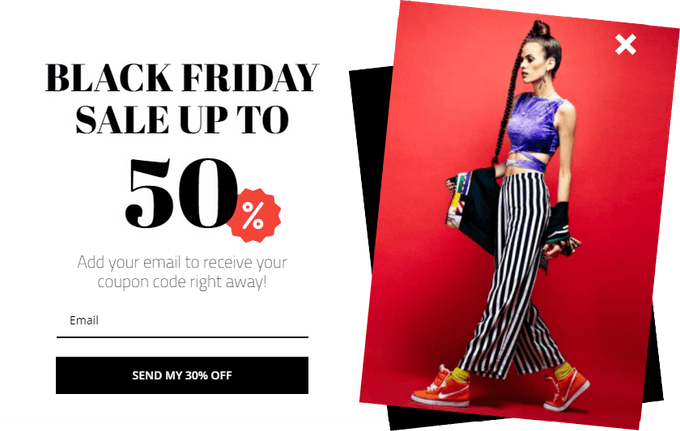
"Up to" offers need care: make sure the deals page really has products at that discount.
7. Subscribe for an immediate discount
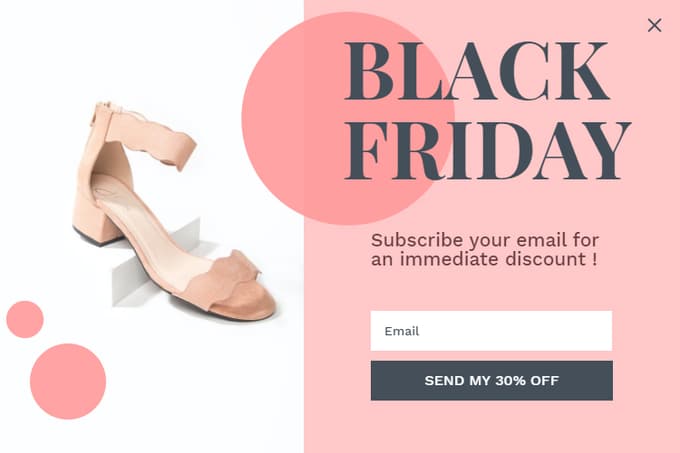
"Immediate" sets the expectation that the code arrives straight away, so make sure your welcome email sends instantly.
8. "Prepare yourself" teaser
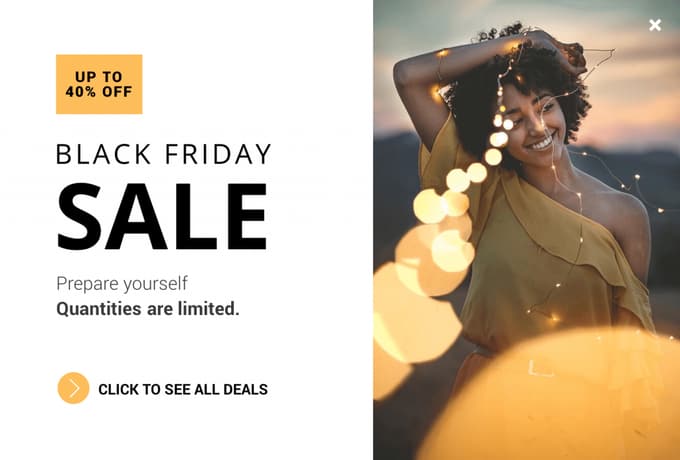
A teaser for the week before. It announces that a sale is coming and links to a deals page, without asking for anything.
9. Sneak peek of the deals
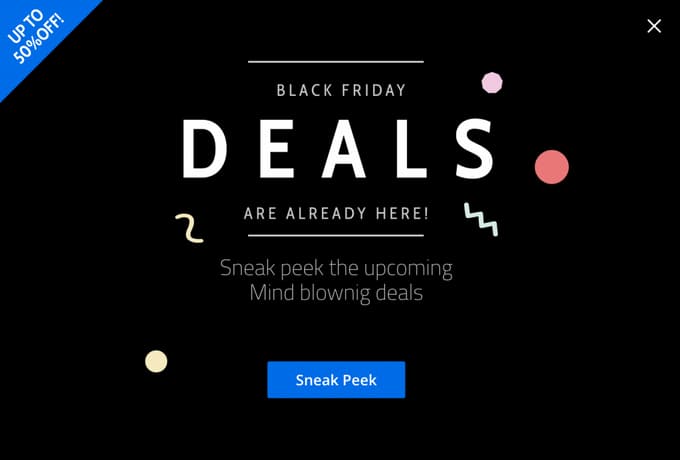
For early access: show subscribers the deals before everyone else. The button goes to a preview page, not straight to checkout.
10. Quiet teaser for minimal brands
Same idea as the "prepare yourself" teaser, with a calmer design for brands with a minimal look.
Black Friday weekend: announce the sale
On launch day, the goal shifts from collecting emails to getting visitors to the deals. Keep these short and send the button to a deals page or collection.
11. Sale announcement with a deals link
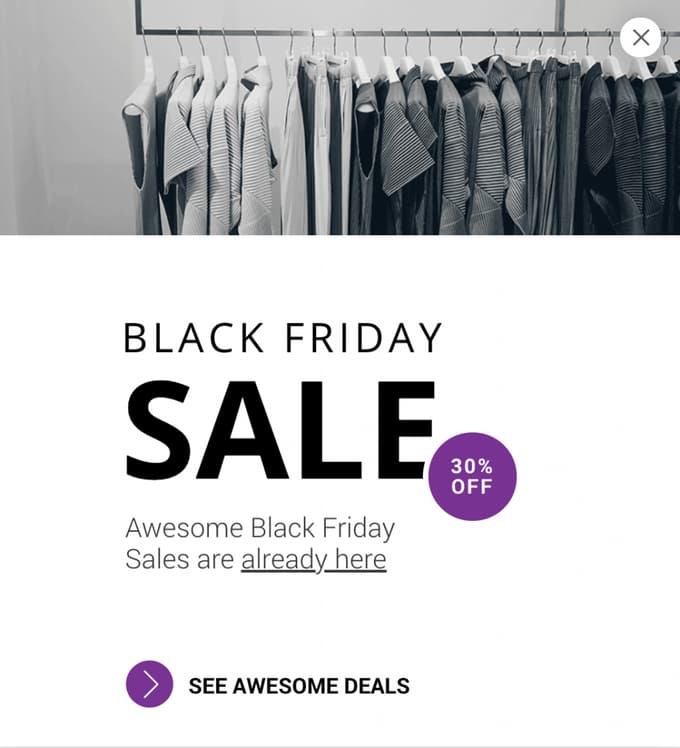
A plain announcement. On launch day, many visitors just need to know where the deals are.
12. Up to 50% off with a shopping bag
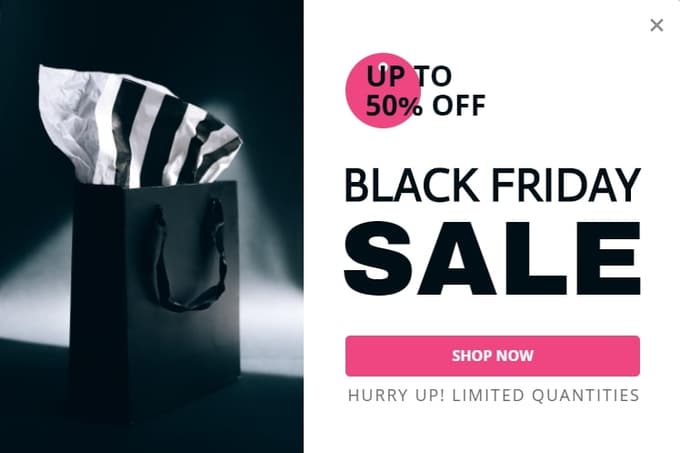
Works as a full-screen popup on desktop. On mobile, use a smaller version or a bar.
13. Up to 50% off, lifestyle photo
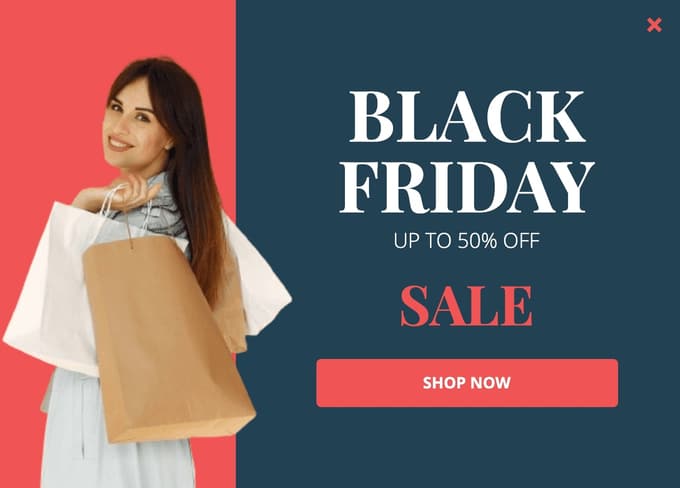
A lifestyle photo plus the offer. Good for stores whose customers respond to people rather than products.
14. Special offer, dark photo
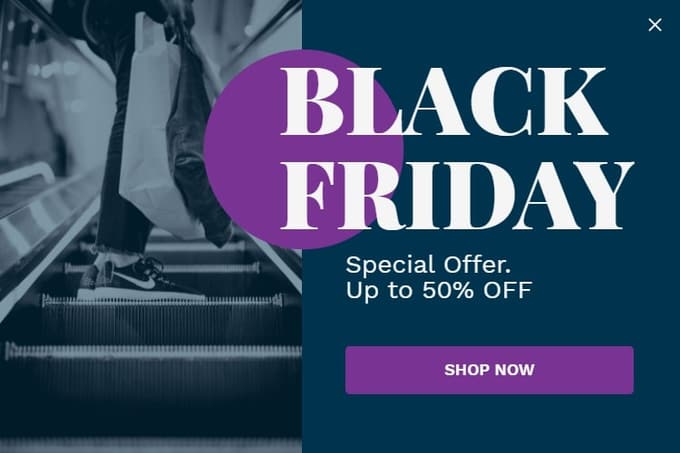
Bold type on a dark photo. Make sure the button contrast passes on small screens.
15. Pastel sale card
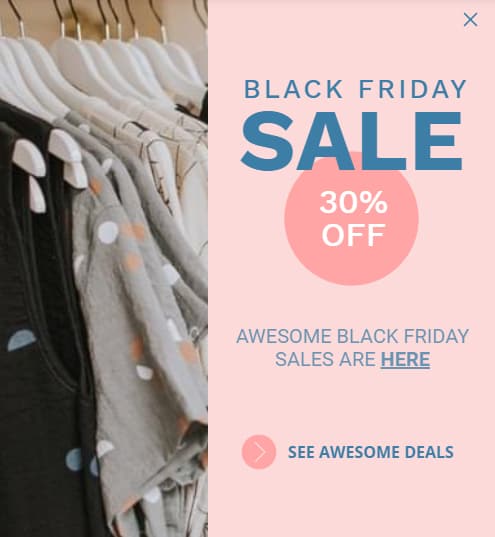
A softer look for fashion and lifestyle stores that don't want aggressive red-and-black sale design.
16. Up to 40% off, bright background
Bright colors stand out from the black-and-red designs most stores use that weekend.
17. Vertical card for beauty
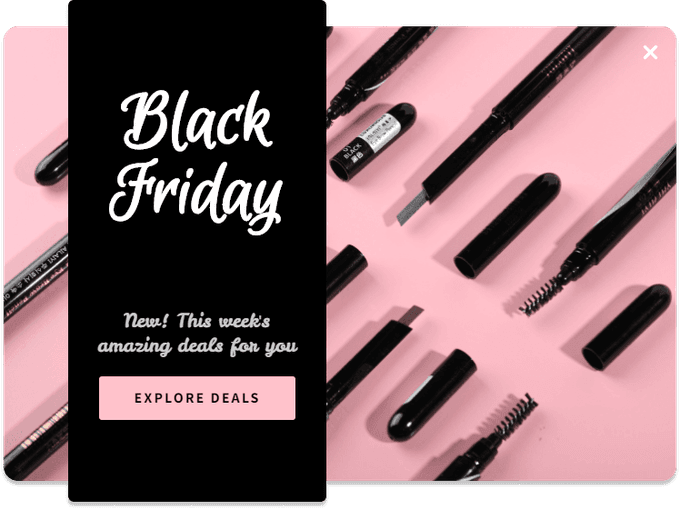
A narrow card that fits beside the content instead of over it. Good for beauty stores.
18. Monochrome sale
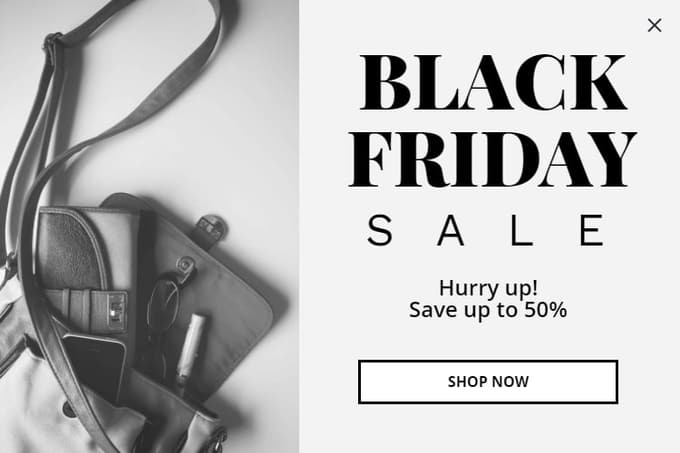
Monochrome keeps the focus on the words. Swap the photo for your best-selling product.
19. Sneakers and 10% off
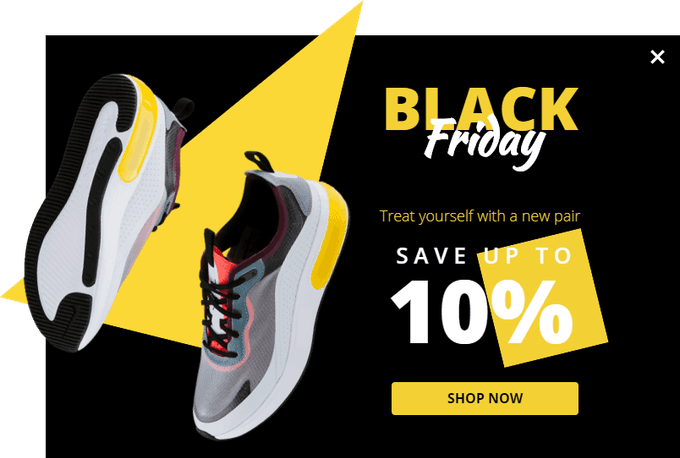
A modest discount said clearly. Not every Black Friday offer has to be 50%.
20. Gift basket for holiday shoppers
Speaks to gift buyers, who make up a large share of BFCM traffic. Point it at a gift guide.
21. Super sale, playful colors
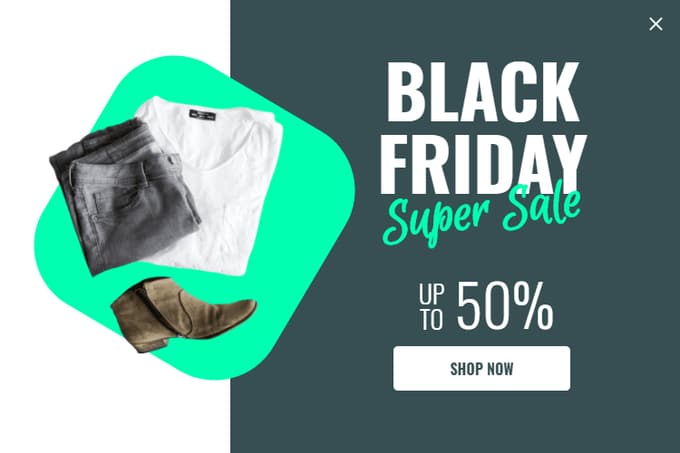
A playful design that works for younger brands.
22. Animated 50% off
Subtle animation draws attention. This one is served as a lightweight video, so it won't slow the page.
Every design in this post is a template in Adoric Popups. Change the text, colors and image in the editor, then choose when it appears.
The last hours and Cyber Monday: real deadlines
Countdown popups work when the deadline is real. Time them to the actual end of the sale, Friday night or Monday night.
23. Countdown with email capture
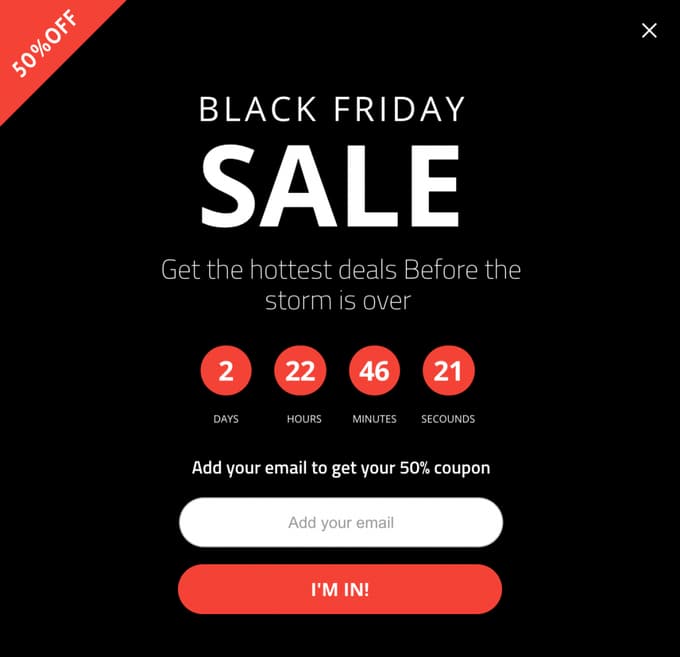
A countdown that runs to a real deadline. Never reset a timer for each visitor: it's misleading, and shoppers notice.
24. "Deals might run out" countdown
Use it in the last hours of Black Friday or Cyber Monday, timed to the real end of the sale.
25. Countdown with 50% off
Combines the offer, the deadline and the form. It's a lot for a phone screen, so test the mobile layout.
26. Special offer with an alarm clock
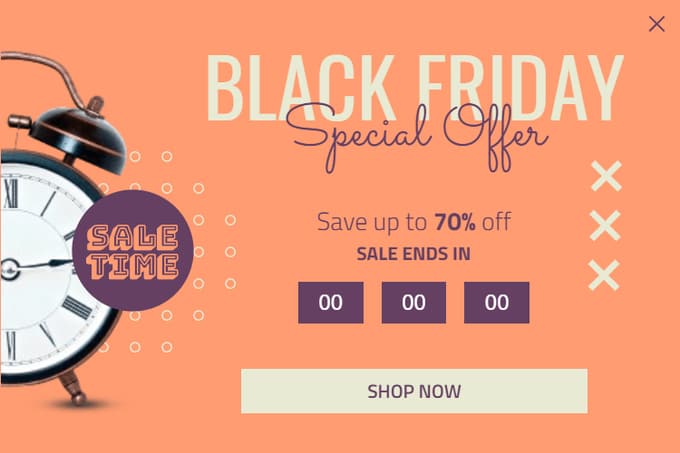
The alarm clock tells the visitor the sale is ending before they read a word. Good for the final day.
Codes and niche stores
These show a code on screen or are designed for a specific type of store. Adapt them to your own products.
27. 15% off the first online order
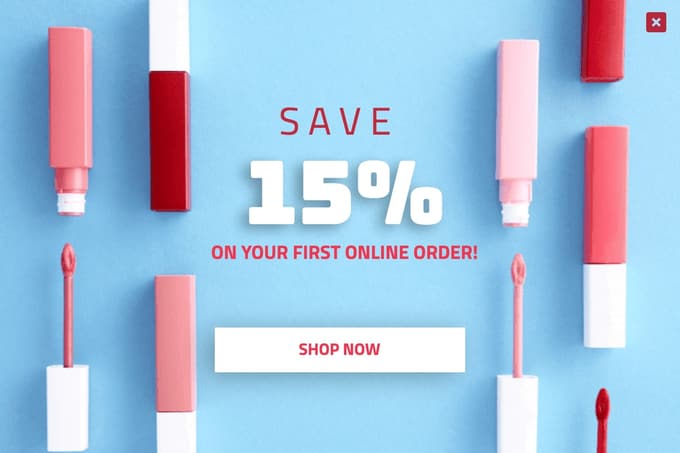
A first-order offer that keeps running after Black Friday. Good for beauty and cosmetics stores.
28. Unique coupon code display
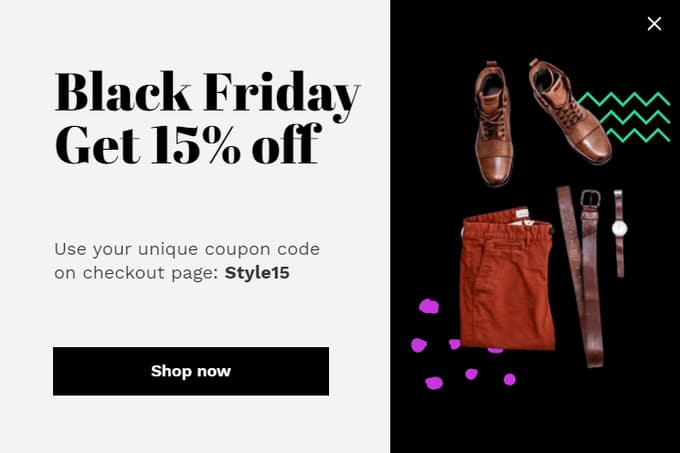
Shows the code on screen. Use unique codes if you're worried about codes being shared on coupon sites.
29. Extra 15% with a code
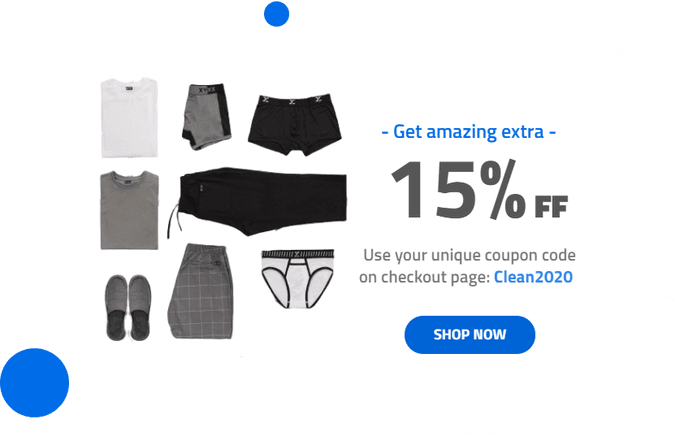
An "extra" discount on top of the sale. Check that your discounts are set to combine, or the code will be rejected.
30. Kids and baby fashion
For a niche store, a niche design. Match the mood to your customers.
A note on spin-to-win for Black Friday
A spin-to-win wheel is another option for the list-building weeks. Visitors are more willing to sign up when it feels like a game, and Adoric Popups supports it as a popup type. Keep the prizes in line with your actual Black Friday offer, though. If the wheel gives 40% and the sale is 20%, you've just undercut your own sale. We compare tools in the best spin-to-win apps for Shopify.
Setting it up
- Pick one template per phase from the templates gallery or inside the app.
- Schedule each one: list building from early November, the announcement from launch, the countdown for the final day.
- Target by page and device: a smaller version on mobile, and nothing on checkout.
- Exclude subscribers and recent customers from the email popups.
- Connect your email tool, and check that the welcome email with the code arrives within a minute.
Adoric Popups has all 30 of these designs as templates for Shopify stores. For more list-building designs outside BFCM, see our email capture popup examples. For the email side of the weekend, see Black Friday email marketing practices.
FAQ
When should I start showing Black Friday popups?
Start list-building popups two to three weeks before Black Friday, which in 2026 means early November. Switch to sale-announcement popups when the sale opens, and use countdown popups only in the final hours, timed to the real end of the sale.
What should a Black Friday popup offer?
Before the sale, offer early access or a code delivered when the sale opens, in exchange for an email. During the sale, you don't need to offer anything extra: tell visitors what's on sale and link to it.
Do Black Friday popups hurt SEO?
Google can rank pages lower when an intrusive interstitial covers the content right after a visitor arrives from search on mobile. Use a small popup or a bar on mobile, delay it, or show it after the visitor scrolls.
Should I use a spin-to-win popup for Black Friday?
It can work for list building before the sale, because the game makes signing up feel like less of a commitment. Keep the prizes honest and in line with your actual Black Friday discounts, so the wheel doesn't undercut your sale.
How many popups should I run during Black Friday?
One at a time per visitor. Pick the popup for the current phase, exclude people who have already subscribed, and use a bar for anything else you need to announce.
More in CRO
Black Friday 2026 on Shopify: The Cart Setup to Finish Before November 20
7 min read
Black Friday Early Access Popups: How to Build a VIP List Before BFCM
4 min read
Best Shopify Apps & Tips to Improve Your Conversion Rate
9 min read